
Tray-resident, one click away
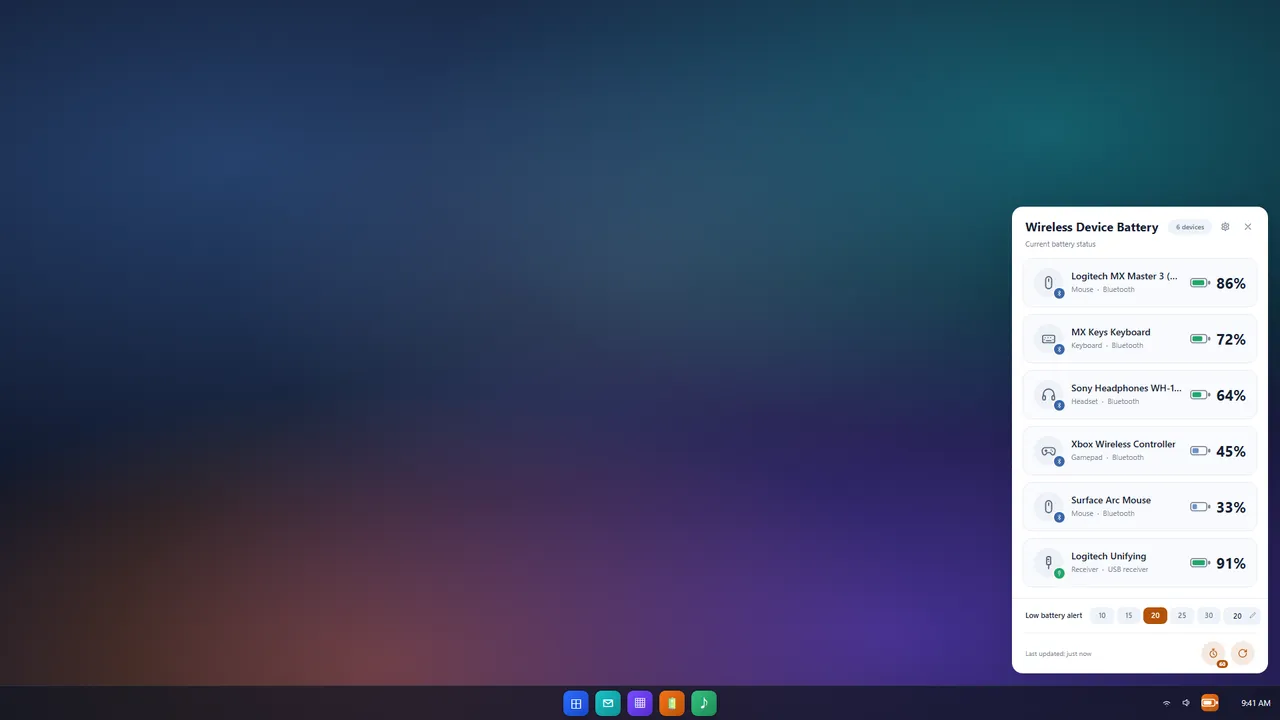
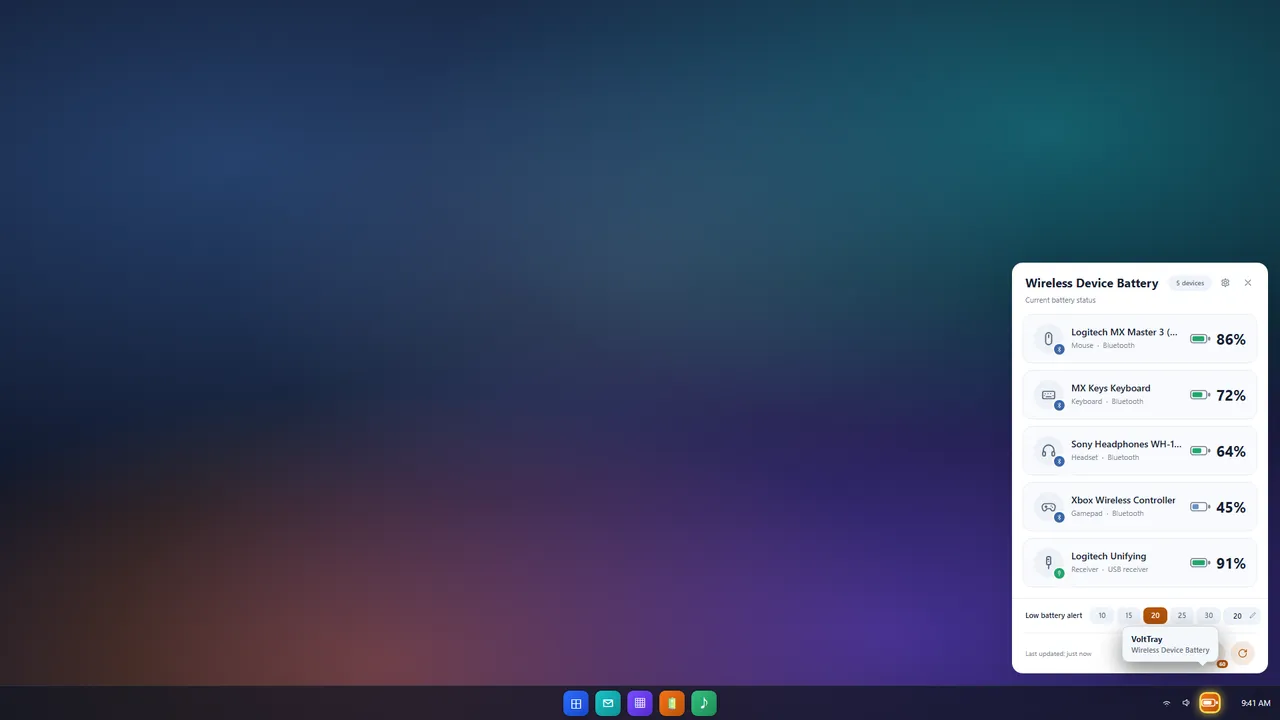
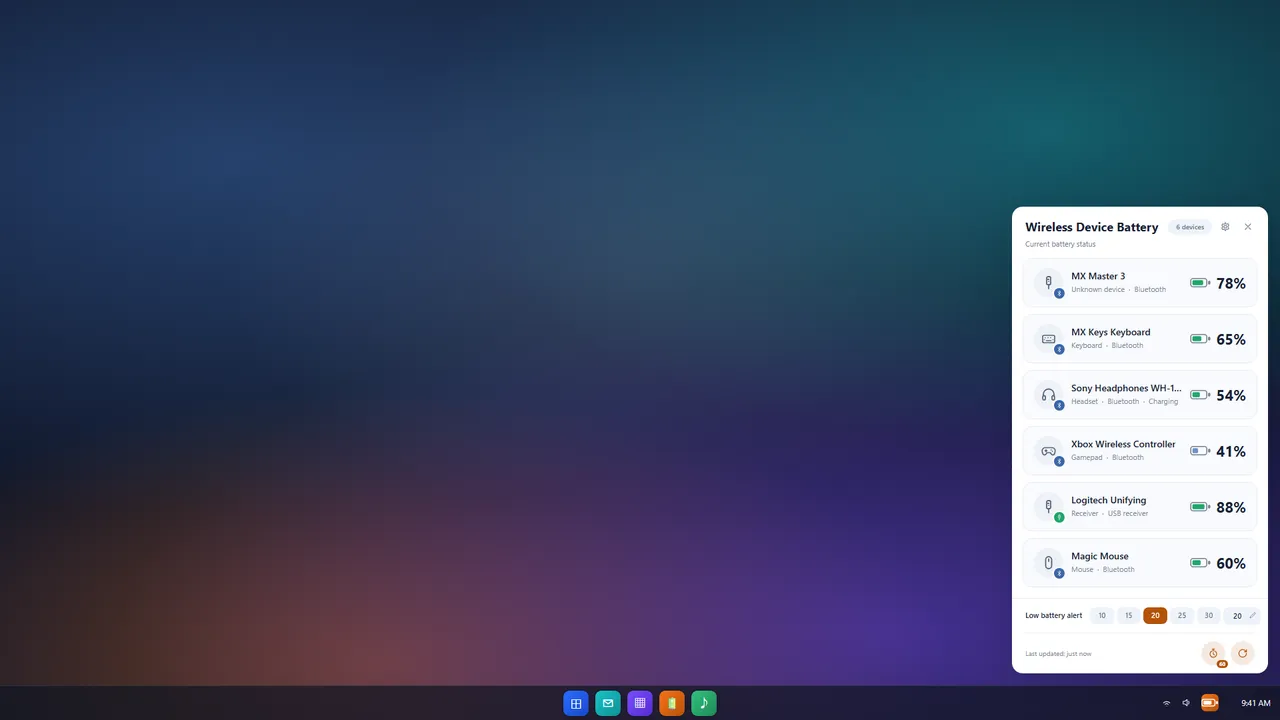
Click the tray icon to open a clean battery panel — no window switching needed.
Click the tray icon to open a clean battery panel — no window switching needed.
Monitors Bluetooth headsets, mice, keyboards, gamepads, and USB-receiver devices in real time.
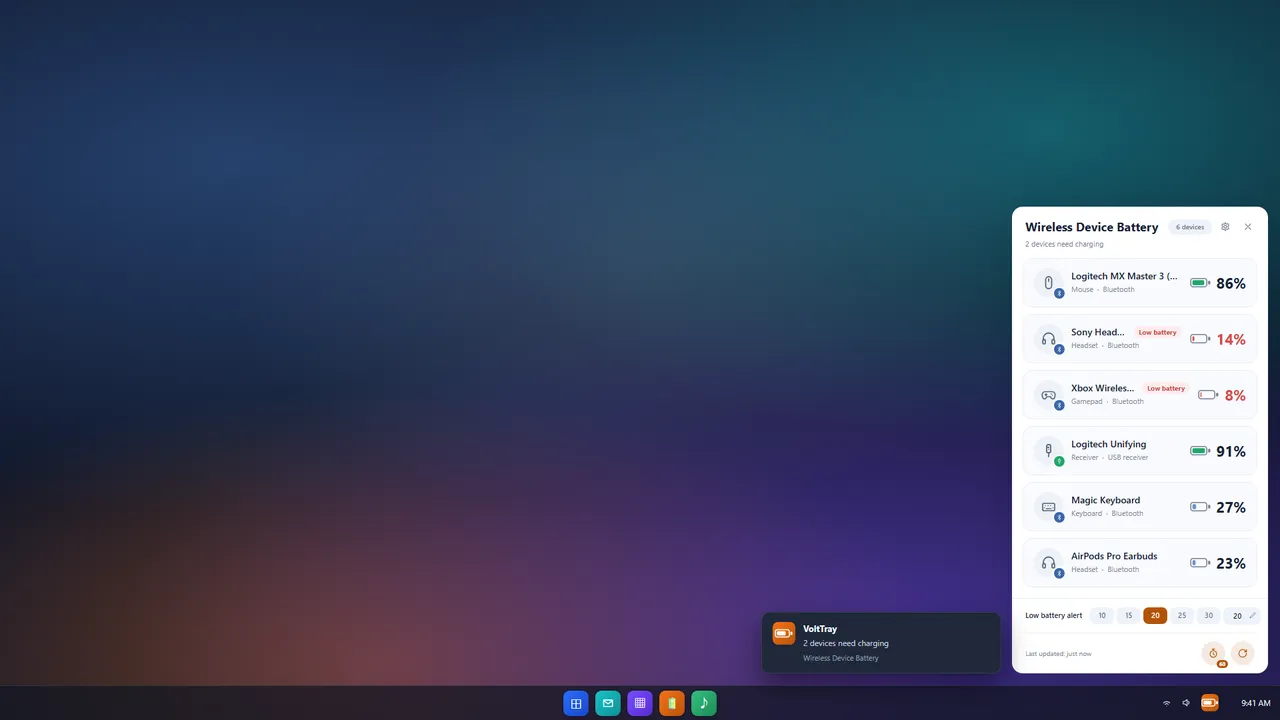
Custom low-battery threshold (10%–50%) with timely alerts.
Manual refresh plus automatic interval (15s–10min).
Detects device type and link; unreadable levels are shown as "--" and never faked as 0%.
Simplified Chinese / English UI, follows the system or switches manually. Runs quietly in the background with startup support and minimal footprint.
No. VoltTray does not collect, transmit, or sell any personal data. All battery information is read locally through system APIs and never leaves your device.
VoltTray supports Bluetooth headsets, mice, keyboards, gamepads, and devices connected via USB receivers, detecting device type and link automatically.
Some devices do not report battery data to the system. To avoid misleading you, VoltTray shows "--" for unreadable levels and never fakes them as 0%.
Open the battery panel, go to settings, and set the low-battery threshold to any value between 10% and 50%.
Yes. VoltTray is a free app available from the Microsoft Store, with no ads and no in-app purchases.